Getting your artwork print‑ready shouldn’t be confusing. Whether you’re placing logos on mugs, T‑shirts or banners, sending the right file the first time speeds up proofing, eliminates costly fixes, and gets your promotion out fast. This guide shows you exactly how to prepare artwork that prints perfectly — every time.
Print‑ready artwork is a file formatted correctly for production — containing the right size, resolution, colour mode and safe spacing — so it can be used directly by printers without edits or adjustments. Files that aren’t print‑ready often lead to poor quality prints, colour mismatches, or delays.
✔ Pro Tip: If you have a PNG or JPG but the printer needs a vector, Total Branded’s design team can help convert it.
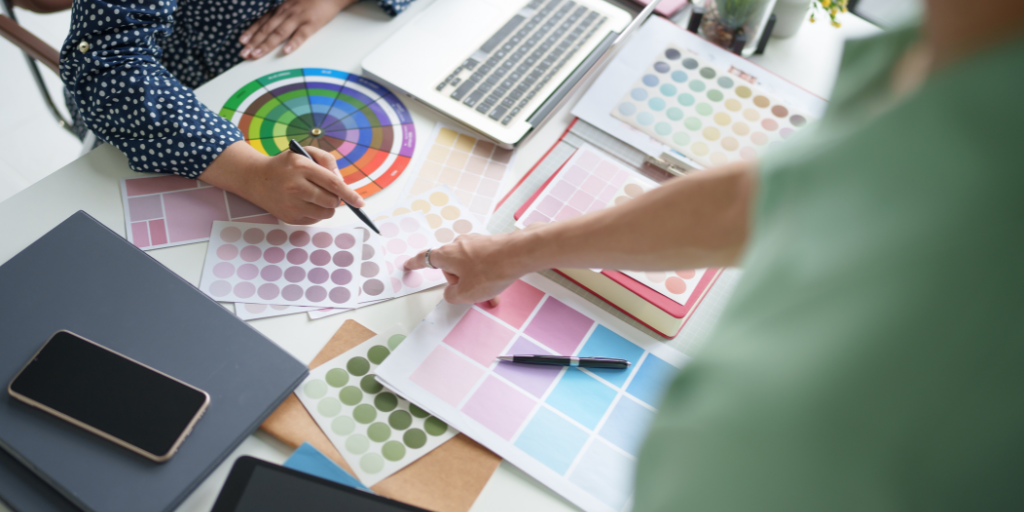
Printers use CMYK (Cyan, Magenta, Yellow, Black) ink — whereas computers and screens use RGB. If you design in RGB, colours often print differently on the final product, leading to dull or inaccurate results. Always convert your artwork to CMYK before exporting.
✔ Pro Tip: If you use Pantone® (PMS) colors in your logo or branding, include the exact Pantone codes — this gives the most accurate colour results.
Size
Make your file the same size as the final printed area — don’t scale it later.
Resolution
300 DPI: the gold standard for sharp, clear prints.
Large format: like banners or flags — sometimes 150 DPI is acceptable due to viewing distance.
Low DPI images will look pixelated or blurry in print.
Bleed — Extend any background colour or shapes beyond the trim edges (usually 3mm).
Safe area — Keep text and logos away from the trim edge (about 3–5mm) so they aren’t accidentally cut off.
Bleed avoids unwanted white edges after trimming, and safe areas protect key elements.
Ensure all fonts are either embedded or outlined before exporting your PDF. If the printer doesn’t have your font installed, text can appear incorrectly or be substituted.
Make sure everything — spelling, numbers, alignment — is perfect. Even tiny mistakes become very noticeable once printed. It’s best to have someone else double‑check the artwork before submitting.
Best practice for print files:
✔ Export as a high‑resolution PDF
✔ Include bleed and crop marks
✔ Embed all fonts
✔ Double‑check CMYK colour mode
This helps printers reproduce your design exactly as intended.
Many people think they’ve done everything right — but these mistakes still happen:
Using RGB colours → duller prints
Forgetting bleed → white edges
Low DPI images → blurry print quality
Unoutlined fonts → substitution issues
Screenshots used as artwork → poor scaling
Tiny text or details that can disappear on fabric or smaller products
✔ Correct file format (vector preferred)
✔ CMYK colour mode
✔ 300 DPI resolution
✔ Appropriate size + bleed
✔ Safe area for text
✔ Fonts outlined or embedded
✔ Final proof reviewed
1. What file formats should I submit for my promotional product artwork?
We normally ask for vector artwork in formats like .EPS, .AI or .PDF with fonts outlined because these scale without losing quality. If you can’t supply vector files, we also accept .JPG, .PNG, .PSD, .TIFF and .AI files — and we can redraw them into print‑ready format if needed.
2. How many colours are in my artwork and why does this matter for pricing?
We print promotional products using a range of one‑colour (spot) to full‑colour methods.
Full colour: more than four colours, shading or gradients
Black and white each count as colours, and greyscale images are classed as full colour. Knowing how many colours are in your artwork helps us give you accurate pricing and ensure your logo prints beautifully.
3. Can the Total Branded team help if my artwork isn’t print‑ready?
Yes — our in‑house art team can redraw, optimise or convert your artwork into the correct format and quality for precision printing. This service is often free, though more complex designs might incur a small charge.
Absolutely. Once you request pricing or place your order, we can provide free visuals showing how your artwork will appear on the chosen product. After you confirm your order, you’ll also receive a proof showing your artwork in position — and we won’t send anything to production until you’ve signed off.
Yes! Just send us the Pantone® colour references used in your branding and we’ll match them as closely as possible during production. If you’re not sure of the exact colours used, our team is happy to advise.
Quality artwork preparation makes a huge difference in how your promotional products look — and how quickly they’re delivered. By following this expert guide from Total Branded, you’ll avoid delays, save on reprints, and get professional results every time.
Whether you need help converting your logo, preparing print‑ready files or reviewing proofs for your promotional products, our artwork specialists are here to make sure your branding looks perfect on every item.

 Help & Contact